Touchscreen Guides & Hardware Diagnostics
Expert technical guides, hardware architecture breakdowns, and actionable troubleshooting steps written and maintained by Ritvik Kudalkar.
Touchscreens
9 guides
Fix dead zones and ghost touch, test phones, tablets and laptops, and learn how a screen senses a finger.
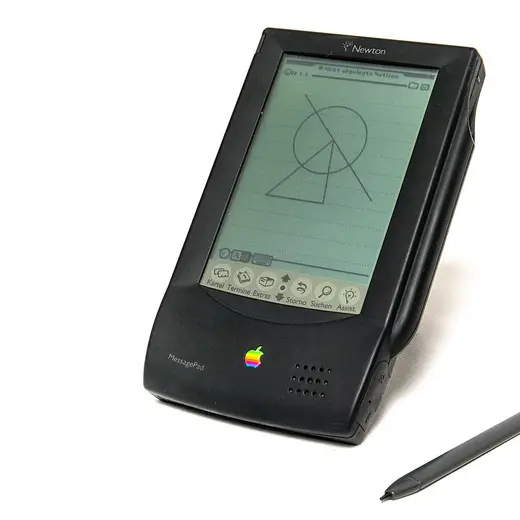
- How to Fix a Touchscreen That Is Not Working (7-Step Diagnostic Guide)A methodical hardware and software troubleshooting triage to isolate whether your touch issues stem from operating system glitches, charger interference, or a cracked digitizer layer.8 minute read, published Sep 24, 2026
- Ghost Touch on Phone or Laptop: Causes, Diagnostics & FixesWhy does your screen tap and scroll on its own? Explore the physics of electromagnetic interference (EMI), faulty power bricks, Indium Tin Oxide micro-fractures, and static buildup.7 minute read, updated Oct 8, 2026
- Touch Screen Digitizer vs Display Panel: What Is the Difference?Understand the multi-layer anatomy of modern smartphone and laptop screens: cover glass, ITO capacitive grid, optically clear adhesive (OCA), AMOLED/IPS matrices, and In-Cell integration.6 minute read, published Sep 24, 2026
- Touch Sampling Rate vs Refresh Rate: What Every User Should KnowWhy do flagship phones boast 240Hz, 360Hz, or 480Hz touch polling when the screen only refreshes at 120Hz? Discover how input lag is calculated and why touch latency matters for gaming.6 minute read, updated Oct 8, 2026
- Touchscreen Dead Zones: Why Specific Areas Stop Responding & FixesLearn how the capacitive electrode grid is wired, why drops cause localized horizontal or vertical dead bands, and how to verify if digitizer ribbon cables can be reseated or need full replacement.7 minute read, published Sep 24, 2026
- How to Test a Phone Touch Screen: Complete Smartphone Diagnostic GuideWhich tests to run on any smartphone, what healthy and faulty results look like, and what to try before paying for a screen repair.6 minute read, updated Oct 8, 2026
- How to Test an iPhone Touch Screen: iOS & Safari Diagnostic GuideHow iOS gesture zones affect browser tests, what ProMotion 240Hz touch sampling changes, common iPhone touch failures, and a checklist before visiting Apple Support.6 minute read, updated Oct 8, 2026
- How to Test an Android Touch Screen: Built-in Tools & Browser DiagnosticsCompare Android's built-in diagnostic codes and Pointer Location with browser tests, and fix touch problems common on Samsung, Pixel, Xiaomi and OnePlus devices.7 minute read, updated Oct 8, 2026
- How to Test a Laptop Touchscreen: Windows, Surface & Chromebook GuideFinger versus stylus input, the hinge ribbon cable failure behind most laptop touch problems, and a Windows touchscreen troubleshooting walkthrough.6 minute read, updated Oct 8, 2026
Audio
2 guides
Microphones that go quiet and one side that plays softer than the other.

- Mic Not Working on Windows 11: 9 Fixes That Actually WorkPrivacy toggles, the wrong default input, low levels, driver problems and exclusive mode: work through the fixes in order and confirm each one with a live mic test.7 minute read, published Oct 25, 2026
- One Earbud or Speaker Quieter Than the Other: Causes & FixesBalance sliders, blocked mesh, Bluetooth sync glitches and failing drivers: find out why one side is quieter and how to fix it, with a left/right test to confirm.6 minute read, published Oct 25, 2026
Mouse & keyboard
3 guides
Polling rate, switch chatter and key rollover, explained and fixed.
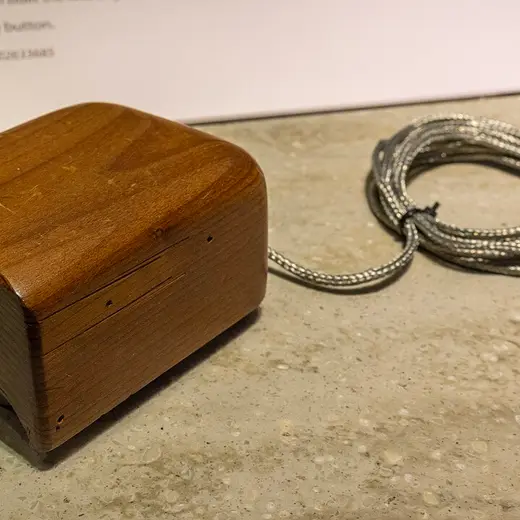
- Mouse Polling Rate Explained: 125 Hz to 8000 HzHow often your mouse reports to the PC, what 1000 Hz and 8000 Hz really change, how polling rate relates to DPI and refresh rate, and which setting to pick.7 minute read, published Oct 25, 2026
- How to Fix a Mouse That Double Clicks (6 Fixes)Why worn and oxidised switches bounce, and how to fix it: static discharge, debounce settings, warranty claims, contact cleaner and switch replacement.6 minute read, published Oct 25, 2026
- Keyboard Ghosting vs N-Key Rollover ExplainedWhy some key combinations fail, the difference between ghosting and blocking, what 6KRO and NKRO mean, and how to check and fix your keyboard.6 minute read, published Oct 25, 2026
Need to test your screen right now?
Launch our free, client-side diagnostic suite to check for dead zones, measure multi-touch limits, or test touch tracking latency directly in your browser.